
Overview

Flat File Source Plus is an SSIS Data Flow component for reading data from flat files or SSIS variables. It uses the standard Flat File Connection Manager to define the structure and format of the input data.
Flat File Source Plus extends the standard SSIS Flat File Source with:
- Reading flat-file data from an SSIS variable, including supported file paths, streams, and messages.
- Processing multiple variable-based inputs in parallel, with a configurable maximum number of concurrent readers.
Quick Start
In this section we will show you how to set up a Flat File Source Plus component to read data from a flat file.
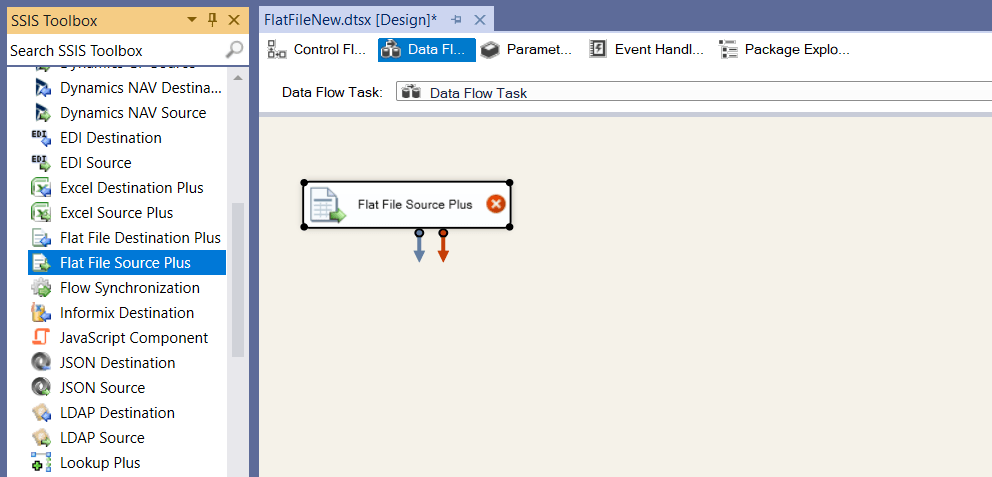
- In the SSIS Toolbox, locate the COZYROC's Flat File Source Plus component and drag it onto the Data Flow canvas.
- Double-click on the component on the canvas.
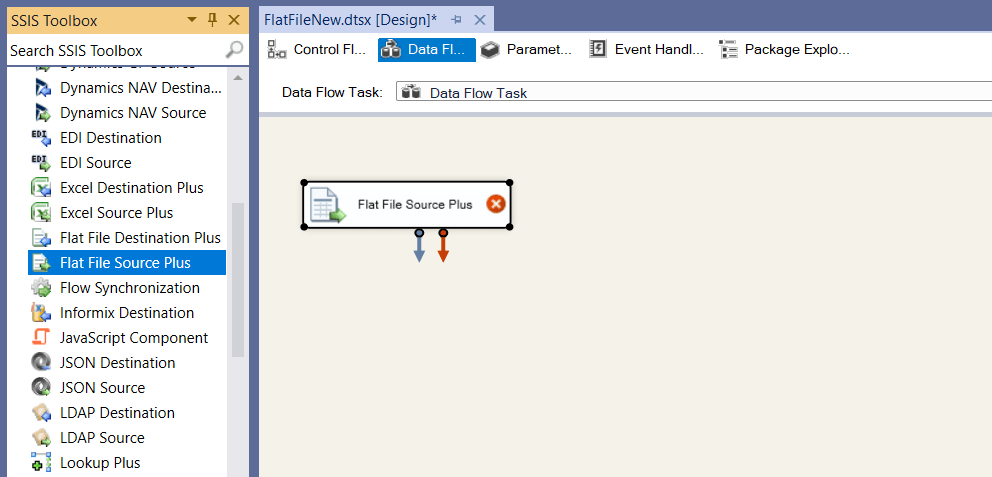
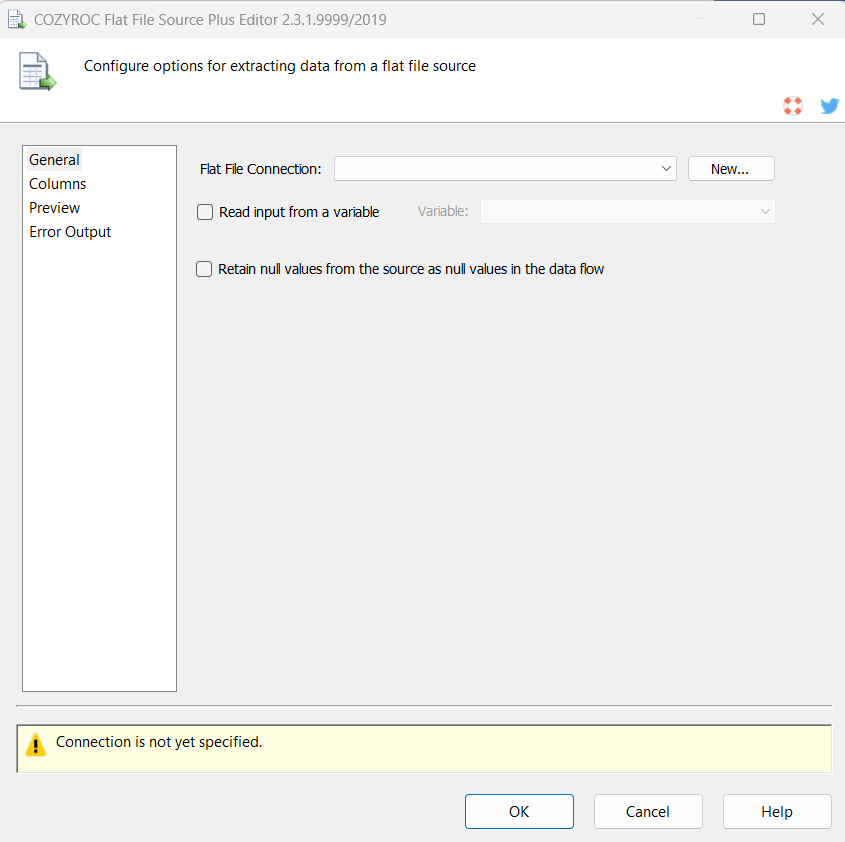
- Once the component editor opens, select an existing Flat File connection or create a new one.
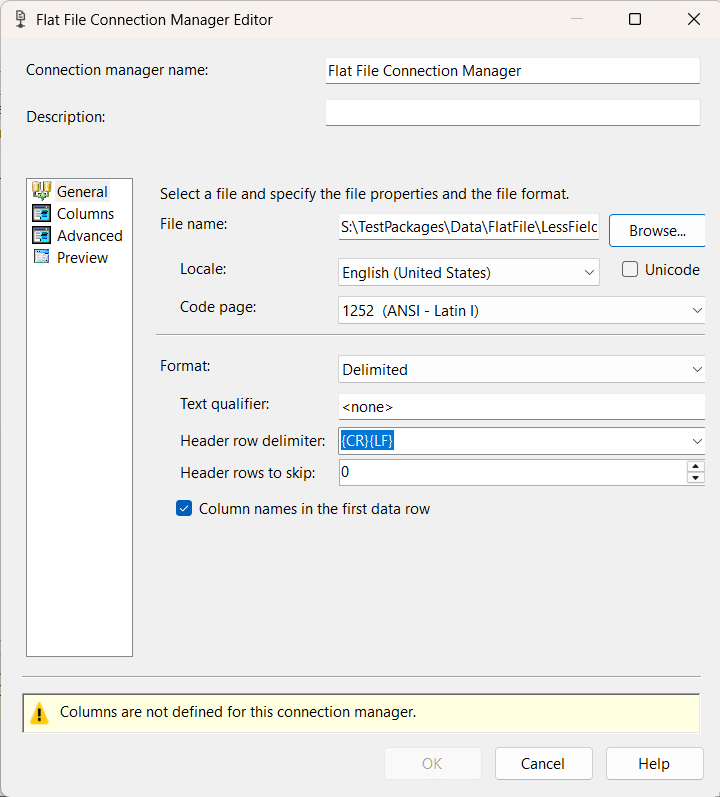
- If you want to create a new Flat File connection select New button.
- In the Flat File Connection Manager Editor configure all needed properties that define the format and structure of the output data, including columns, delimiters, encoding, locale, and text qualifier settings.
- Click OK button to create the connection.
- In Flat File Source Plus Editor you can use Preview functionality to review your data.
- Click OK button to save the component configuration.
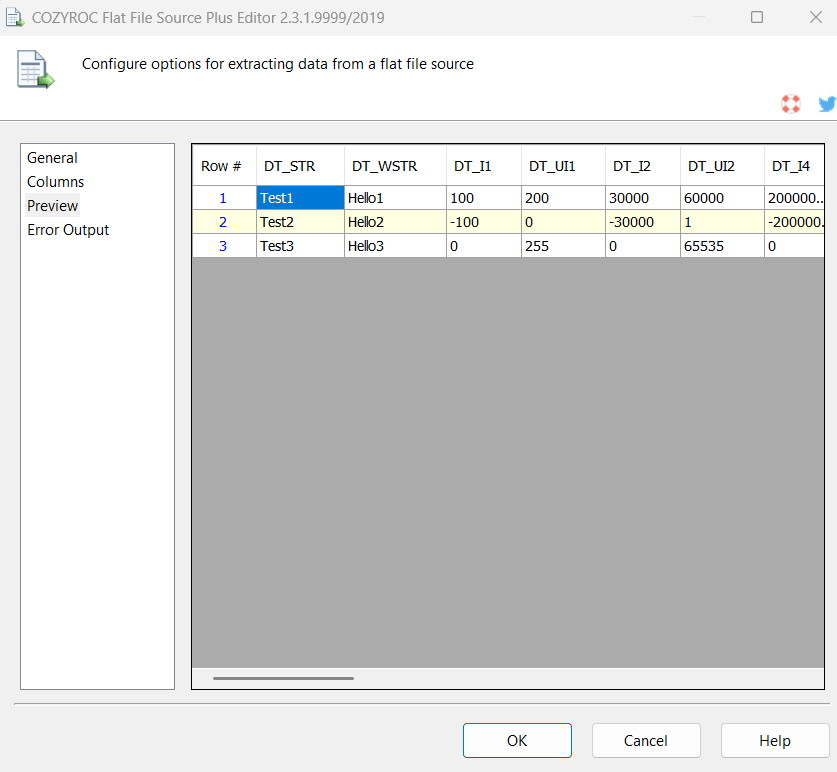
Congratulations! You have successfully configured the Flat File Source Plus component to consume data from a flat file.
In this section we will show you how to set up a Flat File Source Plus component to read data from an SSIS variable that contains flat file data.
- In the SSIS Toolbox, locate the COZYROC's Flat File Source Plus component and drag it onto the Data Flow canvas.
- Double-click on the component on the canvas.
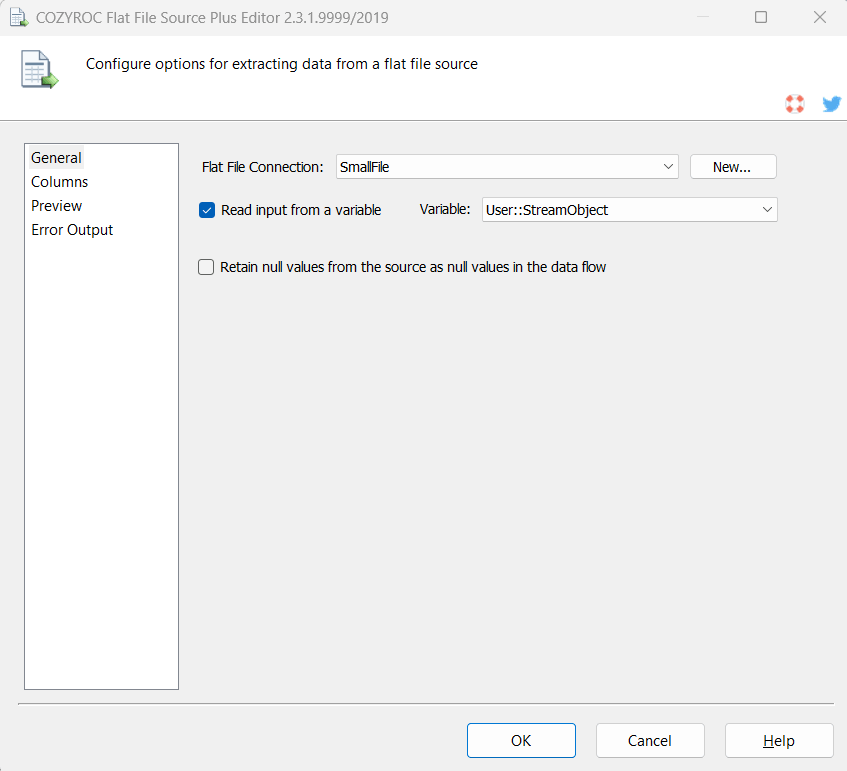
- Once the component editor opens, select an existing Flat File connection or create a new one.
- Select Read input from a variable. Select an SSIS variable from the list.
- Use Columns tab or Preview to review your data or configuration.
- Click OK button to save the component configuration.
Congratulations! You have successfully configured the Flat File Source Plus component to consume data from an SSIS variable that contains flat file data.
Parameters
Configuration
Use the parameters below to configure the component.
Specify the Flat File Connection Manager that defines the format and structure of the input data, including columns, delimiters, encoding, locale, and text qualifier settings.
Enable this option to read the flat-file input from an SSIS variable instead of directly from the file specified in the Flat File Connection Manager. The Flat File Connection Manager is still used to define the format and structure of the input data.
Specify the SSIS variable containing the input to process. The option is available when Read input from a variable is enabled.
Specify whether empty or null source values are retained as null values in the SSIS data flow.
What's New
- New: Introduced component.

COZYROC SSIS+ Components Suite is free for testing in your development environment.
A licensed version can be deployed on-premises, on Azure-SSIS IR and on COZYROC Cloud.