
Overview

Flat File Destination Plus is an SSIS Data Flow component for writing data to flat files or SSIS variables. The component uses the standard Flat File Connection Manager to define the structure and format of the generated data.
Flat File Destination Plus extends the standard SSIS Flat File Destination with:
- Writing output directly to an SSIS variable—either a string file path or an object output stream.
- Splitting file output automatically by row count, file size, or column value change.
NOTE: File splitting is available for file-based output and is not supported with Append mode or object-variable output.
Quick Start
In this section we will show you how to set up a Flat File Destination Plus component to write data into a flat file.
- In the SSIS Toolbox, locate the COZYROC's Flat File Destination Plus component and drag it onto the Data Flow canvas.
- Double-click on the component on the canvas.
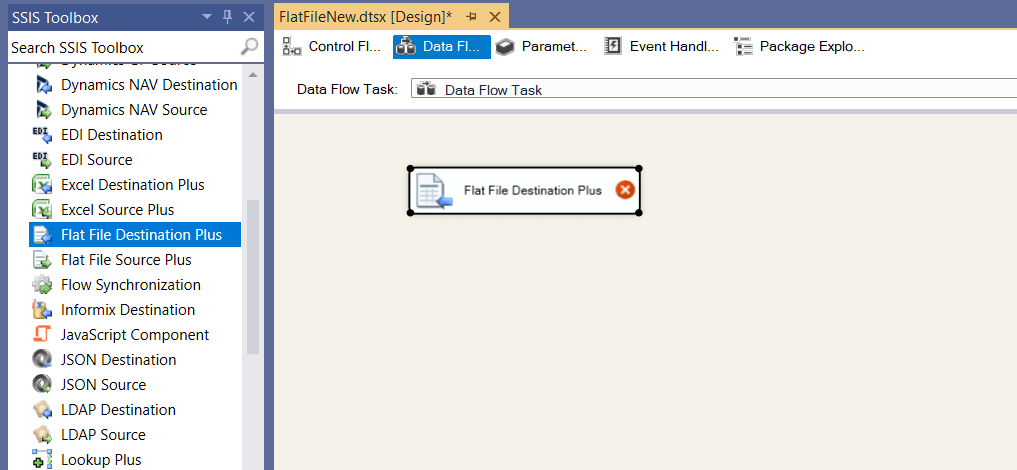
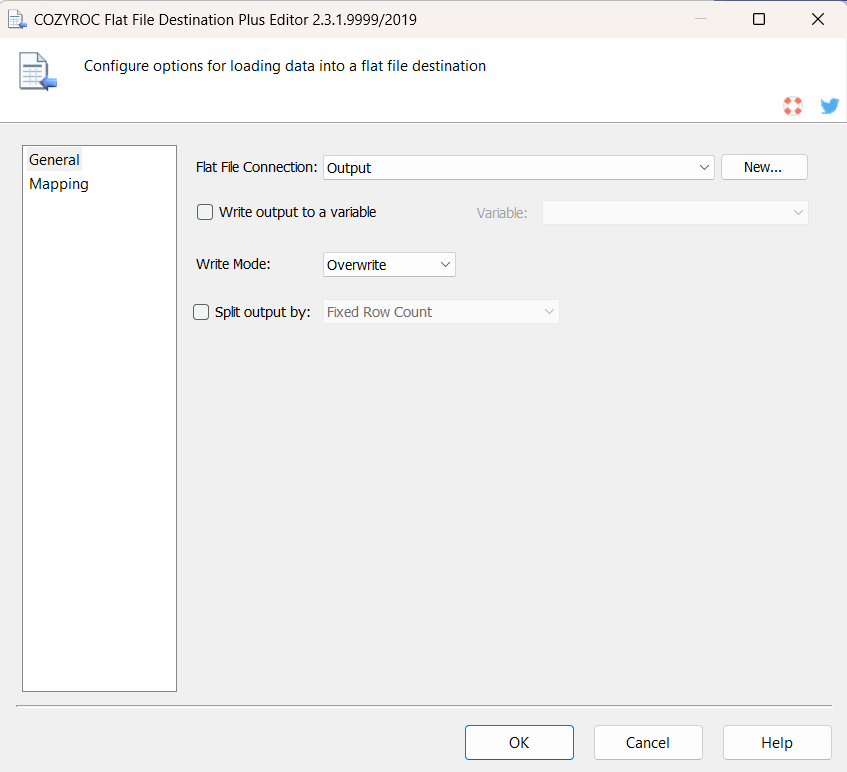
- Once the component editor opens, select an existing Flat File connection or create a new one.
- Select Write Mode to specify how the component writes data to the destination. The available modes are Overwrite and Append.
- If you want to split the output into multiple files select Split output by. The available options are Fixed Row Count, Output File Size and Column Value Change.
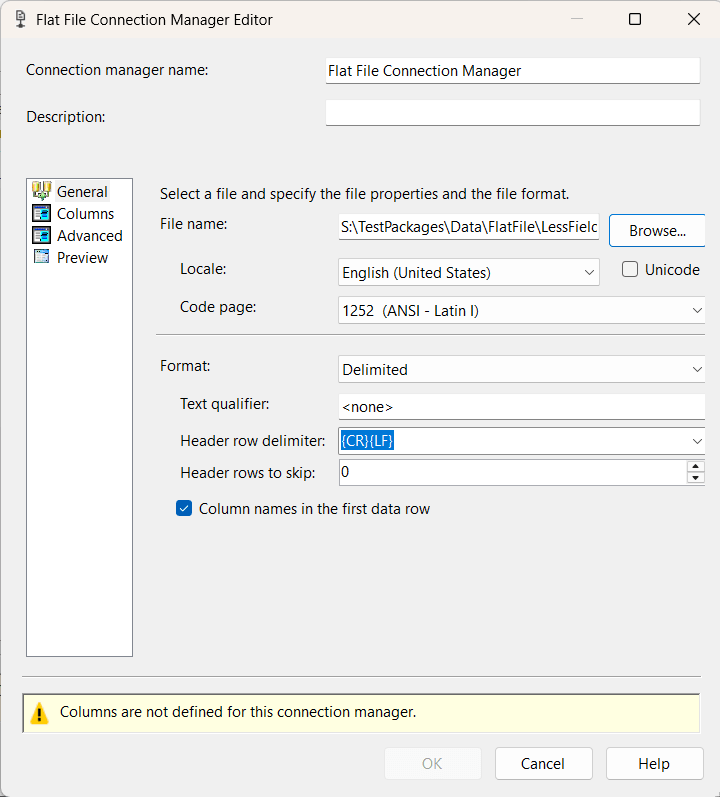
- If you want to create a new Flat File connection select New button.
- In the Flat File Connection Manager Editor configure all needed properties that define the format and structure of the output data, including columns, delimiters, encoding, locale, and text qualifier settings.
- Click OK button to create the connection.
- In the Flat File Destination Editor you can review Mappings of the columns.
- Click OK button to save the component configuration.
Congratulations! You have successfully configured the Flat File Destination Plus component to write data into a flat file.
In this section we will show you how to set up a Flat File Destination Plus component to write data into an SSIS variable.
- In the SSIS Toolbox, locate the COZYROC's Flat File Destination Plus component and drag it onto the Data Flow canvas.
- Double-click on the component on the canvas.
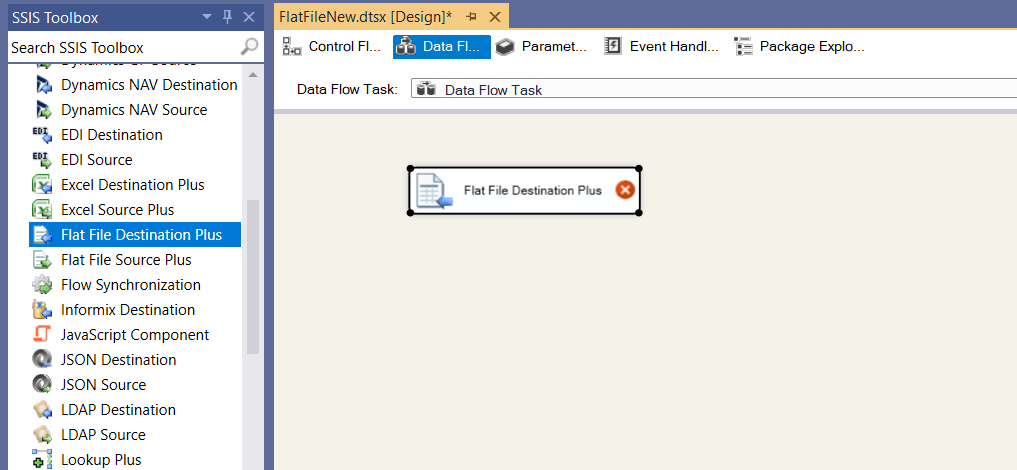
- Once the component editor opens, select an existing Flat File connection or create a new one.
- Select Write output to a variable to write the output to an SSIS variable.
- Select an SSIS variable from the list.
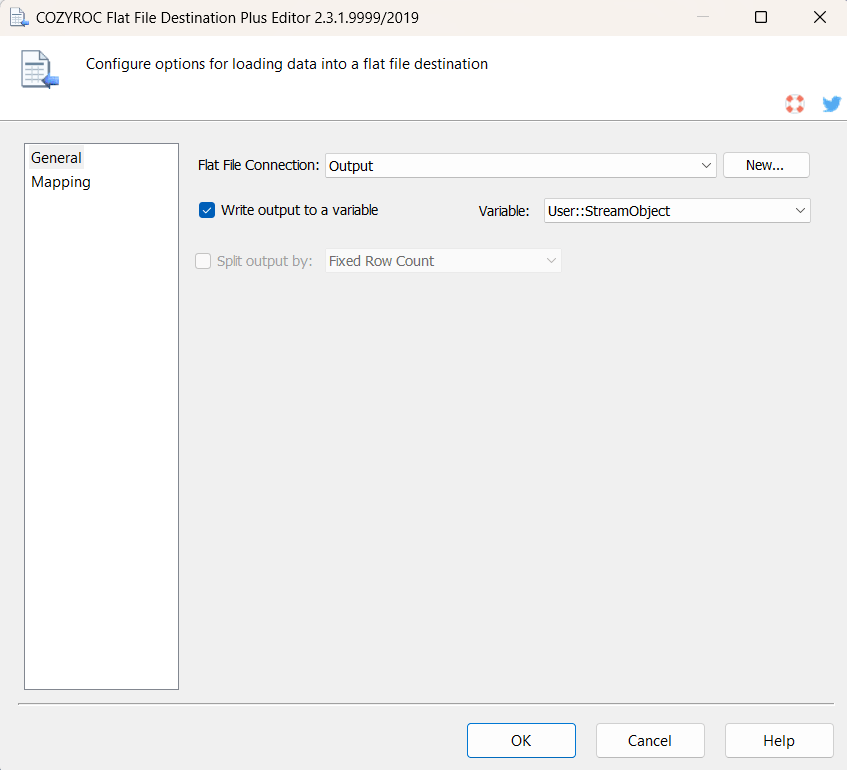
- In the Flat File Destination Editor you can review Mappings of the columns.
- Click OK button to save the component configuration.
Congratulations! You have successfully configured the Flat File Destination Plus component to write data into an SSIS variable.
Parameters
Configuration
Use the parameters below to configure the component.
Specify the Flat File Connection Manager that defines the format and structure of the output data, including columns, delimiters, encoding, locale, and text qualifier settings.
Enable this option to write the output to an SSIS variable instead of directly to the file specified in the Flat File Connection Manager.
Specify the SSIS variable that defines the output destination. This option is available when Write output to a variable is enabled.
Specify how the component writes data to the destination:
Value Description Overwrite Creates a new output file or overwrites an existing file. Append Appends the output to an existing file. Enable this option to split the output into multiple files. The following modes are available:
Value Description Fixed Row Count Creates a new output file after the specified number of rows has been written. Specify the maximum number of rows in the field next to the option. Output File Size Creates a new output file when adding the next row would exceed the specified output file size. Specify the maximum size in MB. Because rows are not split between files, the resulting files can be slightly smaller than the specified size. Column Value Change Creates a new output file whenever the value of the selected column changes. Select the input column to monitor. The column value is added to the generated file name. The input data should be sorted by the selected column.
Knowledge Base
What's New
- New: Introduced component.

COZYROC SSIS+ Components Suite is free for testing in your development environment.
A licensed version can be deployed on-premises, on Azure-SSIS IR and on COZYROC Cloud.